
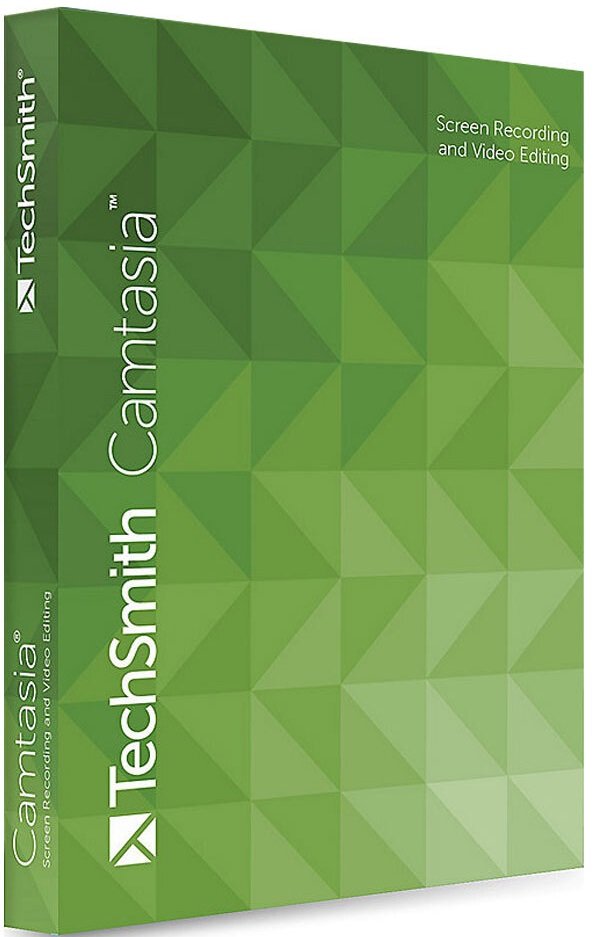
TechSmith Camtasia 26.0.0.13551 (x64) Multilingual | Size: 313.51 MB
Language: English
The Best All-In-One. Screen Recorder and Video Editor. Camtasia makes it simple to record and create professional-looking videos. Camtasia’s new video templates make it easier than ever to create the video you need.
Start Fast
Camtasia is quick to learn. You don’t need a big budget or fancy video editing skills. Start with a template or just record your screen and add a few effects.
Feel Confident
Whether you have experience or this is your first time making a video, we’ll give you everything you need to make a high-quality video.
Engage Viewers
Create content your viewers actually watch. A video will give you more interaction and help your audience to learn more than with text alone.
The best screen recording software for…
– Video tutorials
– How-to videos
– Demo videos
– Meeting recordings
– YouTube videos
– Training videos
– Video lessons
– Webinar recordings
– Instructional videos
– Explainer videos
– Presentation recordings
– …and more!
Simple, but full of features
Templates
Pre-built video templates reduce editing time. Create custom templates for videos you frequently make.
Camtasia Packages
Share templates, libraries, themes, shortcuts, favorites, and presets in a single file.
Favorites & Presets
Instantly access your most used tools and effects. Save custom styles and configurations for frequent use.
Recording
Record anything on your computer screen-websites, software, video calls, or PowerPoint presentations.
Simplified Editing
Camtasia’s simple drag-and-drop editor makes adding, removing, trimming, or moving sections of video or audio a breeze.
Pre-Built Assets
Customize any of the royalty-free assets in the Camtasia library and add them to your video for a professional polish.
Options
Camtasia records exactly what you want-the entire screen, specific dimensions, a region, a window, or an application.
Capture
Add a personal touch to your videos by adding crisp video and audio straight from your webcam.
(Mic + System)
Record and edit your audio clips using a microphone, the sound from your computer, or import clips to get the perfect audio for your video.
Music
Choose from our library of royalty-free music and sound effects to insert into your recordings.
Integration
Turn your presentation into a video. Record with the PowerPoint Add-In or import slides directly into Camtasia.
Media Import
Import video, audio, or image files from your computer, mobile device, or the cloud and drop them right into your recording.
Quizzing
Add quizzes and interactivity to encourage and measure learning in your videos.
iOS Capture
Connect your iOS device directly to your Mac, or Use the TechSmith Capture app for PC to record directly from the screen, then add gesture effects to simulate taps, swipes, and pinches in your video.
Annotations
Use callouts, arrows, shapes, lower thirds, and sketch motion to highlight important points in your video.
Transitions
Use transitions between scenes and slides to improve the flow of your videos.
Animations
Camtasia gives you pre-made animations that take your video to the next level. Customize your animation, create behaviors, or zoom in, zoom out, and pan animations to your screen recordings.
Cursor FX
Highlight, magnify, spotlight, or smooth the motion of your cursor to create a professional and polished look to any video.
Themes
Stay on the brand by creating themes to keep a consistent look and feel in your videos.
Device Frames
Apply device frames to your videos to make them appear as though they are playing on a desktop, laptop, or mobile device screen.
Video Table of Contents
Add an interactive table of contents to your video to create navigation points for your viewers.
Closed Captions
Add captions directly to your recordings to ensure your videos are understood by all.
(Green Screen)
Replace backgrounds and insert footage videos quickly and easily to add an extra wow factor to your videos.
Audio FX
Reduce background noise, even out audio levels, add audio points, adjust pitch and gain, and much more to ensure high-quality audio in your videos.
Options
Instantly upload your video to YouTube, Vimeo, Screencast, or your online video course.
HOMEPAGE:
techsmith.com
rapidgator.net/file/e920cf43c9a7682e567822ce540281ad/TechSmith_Camtasia_26.0.0.13551_x64_Multilingual.rar
nitroflare.com/view/999DDEC53195AF3/TechSmith_Camtasia_26.0.0.13551_x64_Multilingual.rar
