
Session Loops VocalNet 1.6.0 | Size: 434.72 MB
Language: English
Real-Time Voice Cloning & Transformation Plugin
Transform any vocal in real-time with VocalNet’s AI voice engine. Change timbre, pitch, and style instantly.
Clone & Transform Voices in Three Steps
1. Import Voice Samples
VocalNet analyzes the imported samples and clones them as target voices. The cleaner and less processed the samples, the higher the quality of the transformations.
2. Transform Input Voice
Start playback on your audio track – VocalNet will convert the input in real time to match the target voices as an audio effect.
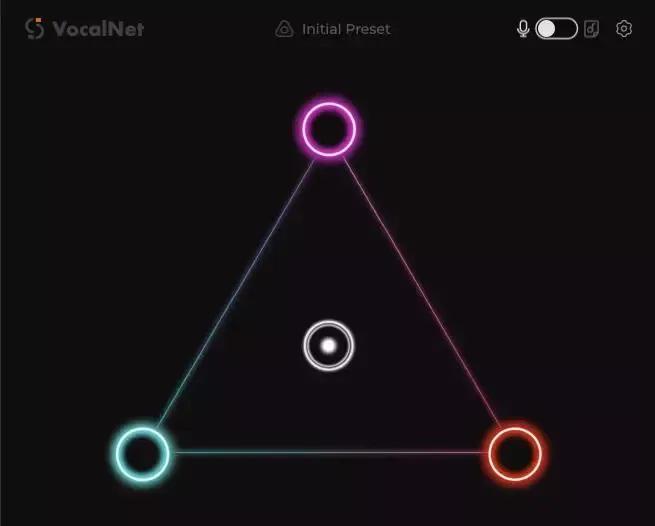
3. Morph Between Voices
Load up to three voices, then drag the cursor to blend them into a unique tone in real time.
Full DAW Integration with ARA Support
VocalNet supports ARA workflows for compatible DAWs, so you can work directly on your track timeline with faster, tighter integration and a smoother editing experience.
HOMEPAGE:
sessionloops.com/vocalnet
rapidgator.net/file/e033d3f49e8260eea6a20e7af41a0561/Session_Loops_VocalNet_1.6.0.rar
nitroflare.com/view/74FED0D010EFE02/Session_Loops_VocalNet_1.6.0.rar
